Radar
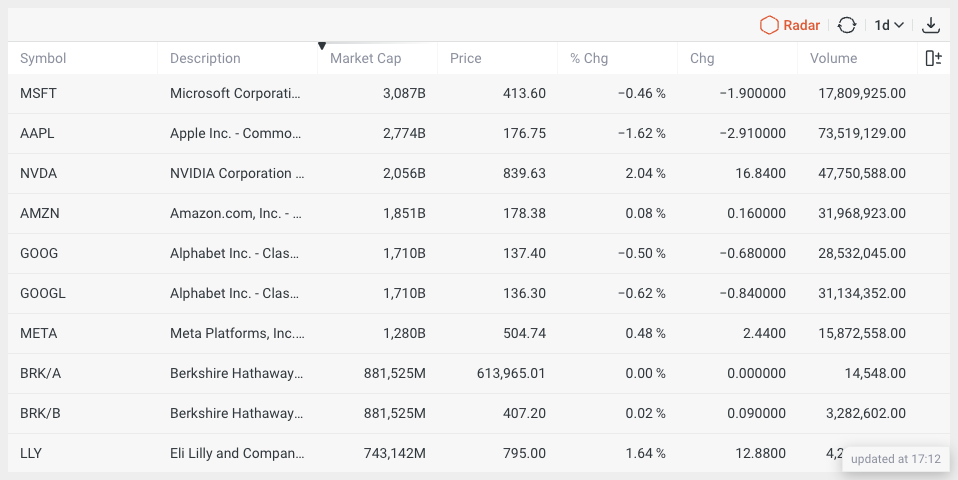
The Radar widget allows you to track live market behavior, along with searching for new trade ideas. The widget provides a wide range of configuration options and predefined search criteria. A detailed overview of real-time market data and key fundamental and technical data for each instrument allows to use the widget as a market screener and market scanner at the same time.
Features
- Configurable set of columns from 57 available.
- Table sorting and filtering.
- Custom table functions:
- column selection menu,
- column reordering,
- column resizing.
- Supports multiple candle periods.
- Snapshot of current data in CSV format.
Showcases
Basic view
Main widget view.
Dark mode
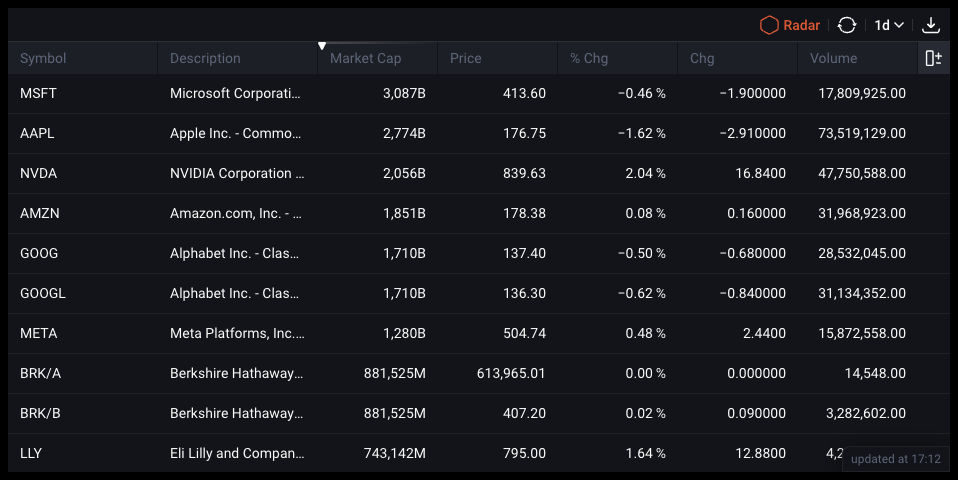
By default, widgets support dark and light themes, though it's also possible to create a custom theme.
Setup
Installation
The widget is distributed both via a CDN and as an NPM package.
- npm
- Yarn
- pnpm
- Bun
npm i @dx-display/widgets-radar
yarn add @dx-display/widgets-radar
pnpm add @dx-display/widgets-radar
bun add @dx-display/widgets-radar
CDN Link: https://path-to-cdn/widgets/radar.js
Refer to this guide for instructions on utilizing our CDN bundle.
Configure DataProviders
The Radar widget requires you to have access the following dxFeed Data Providers:
const dataProviders = {
  ipfPath: '/your-path/ipf',
  ipfAuthHeader: 'your-header',
  scannerPath: 'api/scanner',
  scannerAuthHeader: 'your-header',
  schedulePath: '/api/schedule',
}
If you don't have access to these data providers, please contact dxFeed team.
Code example
Below, you'll find a code example demonstrating widget integration, utilizing only the essential parameters. Refer to the widget API section for comprehensive details on all available options.
Show code!
import { newRadarWidget } from '@dx-display/widgets-radar'

const dataProviders = {
  ipfPath: '/your-path/ipf',
  ipfAuthHeader: 'your-header',
  scannerPath: 'api/scanner',
  scannerAuthHeader: 'your-header',
  schedulePath: '/api/schedule',
}
// make sure that next element exist in your DOM
const container = document.getElementById('widget')
container.style.height = '600px'
container.style.width = '800px'

const widget = newRadarWidget({
  element: container,
  providers: dataProviders,
})
Configurator
API
Please refer to the links below for a comprehensive list of all parameters available for the described widget.