Earnings Calendar
The Earnings Calendar widget is your ultimate tool for staying informed about upcoming earnings announcements across a wide range of companies. Designed with traders and investors in mind, it provides a clear and organized table of key metrics, including company symbol, market cap, forecasted and actual EPS, and more. Its intuitive layout and actionable insights make it an essential resource for tracking market-moving events, analyzing company performance, and refining trading strategies.
Features
- Custom table functions:
- column reordering,
- column resizing,
- column filtering,
- column sorting.
- Integrated Symbol Search.
- Ability to get earnings announcements for all available symbols or for limited set of symbols.
- Ability to specify date range for earnings announcements.
Showcases
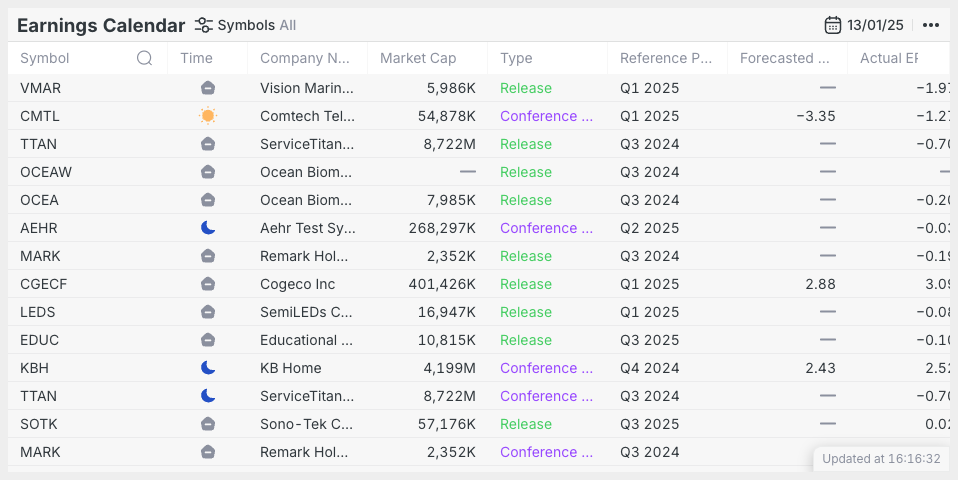
Specific day
Main widget view with a specified day.
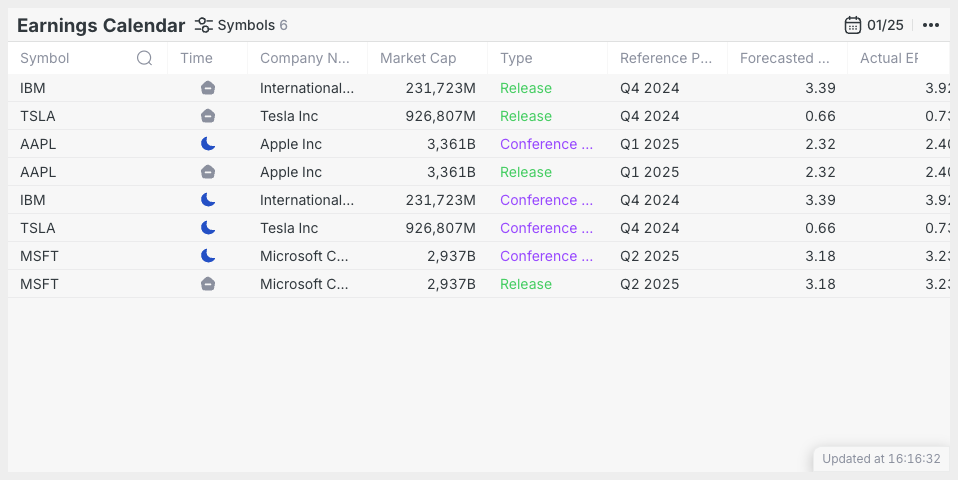
Specific set of symbols
Main widget view with a specified set of symbols.
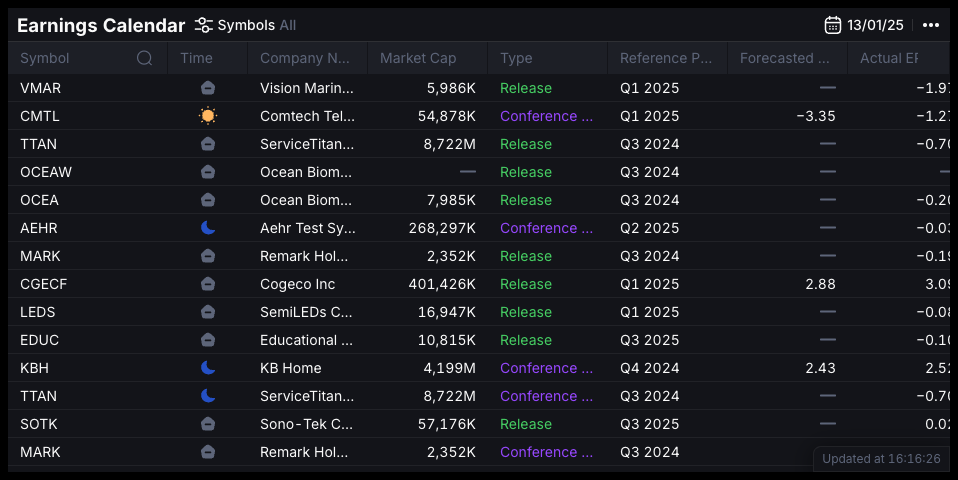
Dark mode
By default, widgets support dark and light themes, though it's also possible to create a custom theme.
Setup
Installation
The widget is distributed both via a CDN and as an NPM package.
- npm
- Yarn
- pnpm
- Bun
npm i @dx-display/widgets-earnings-calendar
yarn add @dx-display/widgets-earnings-calendar
pnpm add @dx-display/widgets-earnings-calendar
bun add @dx-display/widgets-earnings-calendar
CDN Link: https://path-to-cdn/widgets/earnings-calendar.js
Refer to this guide for instructions on utilizing our CDN bundle.
Configure DataProviders
The Earnings Calendar widget requires you to have access the following dxFeed Data Providers:
const dataProviders = {
  ipfPath: '/your-path/ipf',
  ipfAuthHeader: 'your-header',
  fundamentalsPath: 'api/scanner',
  fundamentalsAuthHeader: 'your-header',
  schedulePath: '/api/schedule',
}
If you don't have access to these data providers, please contact dxFeed team.
Code example
Below, you'll find a code example demonstrating widget integration, utilizing only the essential parameters. Refer to the widget API section for comprehensive details on all available options.
Show code!
import { newEarningsCalendarWidget } from '@dx-display/widgets-earnings-calendar'

const dataProviders = {
  ipfPath: '/your-path/ipf',
  ipfAuthHeader: 'your-header',
  fundamentalsPath: 'api/scanner',
  fundamentalsAuthHeader: 'your-header',
  schedulePath: '/api/schedule',
}
// make sure that next element exist in your DOM
const container = document.getElementById('widget')
container.style.height = '600px'
container.style.width = '800px'

const widget = newEarningsCalendarWidget({
  element: container,
  providers: dataProviders,
})
Configurator
API
Please refer to the links below for a comprehensive list of all parameters available for the described widget.